Transport Fever 3 Offline: Play Anywhere, No Internet
Learn how to play Transport Fever 3 offline with DRM-free installs, local saves, and offline setup tips — plus logistics strategies for tycoons.
Transport Fever 3 landed on September 29, 2026, and one question keeps coming up in forums and comment sections: can you actually play Transport Fever 3 offline? The answer is a resounding yes — and it matters more than you might think. Whether you game on a laptop during a commute, live in an area with unreliable internet, or simply want an uninterrupted strategy session, offline play is a first-class feature here, not an afterthought. Developed by Urban Games and published by Paradox Interactive, this is a deep single-player simulation spanning more than 125 years of transport history, and none of it requires a persistent connection. In this guide, you'll learn exactly how to configure Transport Fever 3 offline, what you gain (and give up), and how to keep your transport empire running smoothly without ever pinging a server.
Why Offline Play Matters for Tycoon Gamers
Deep simulation games reward long, focused sessions. A single campaign in Transport Fever 3 can stretch across centuries of technological evolution — from horse-drawn wagons to high-speed trains and jet aircraft. Losing progress or flow because of a dropped connection, forced update, or cloud-sync stall is more than annoying; it can derail an entire planning session.
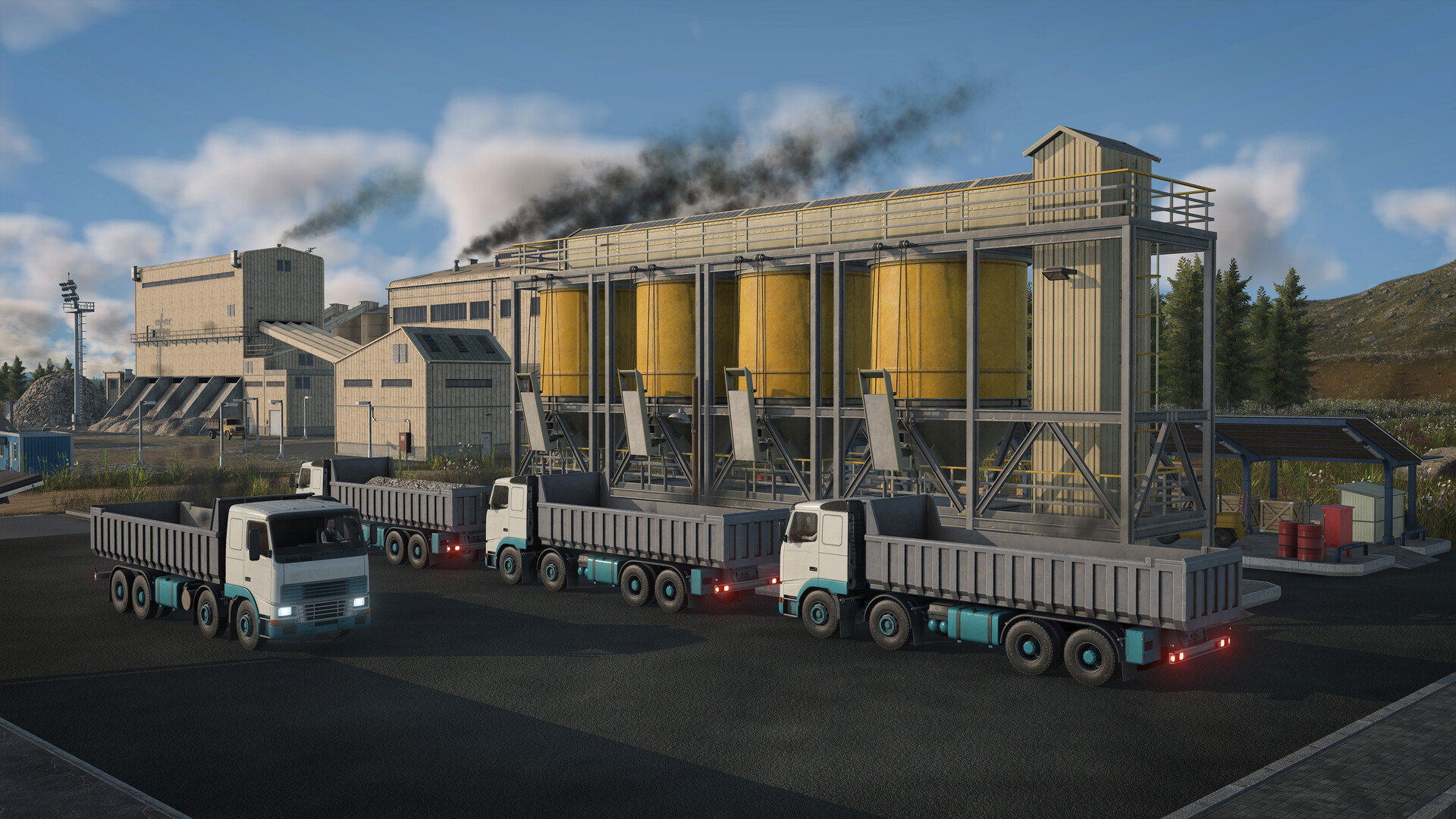
Official screenshot · Source: Steam store
Playing offline delivers four concrete advantages:
| Benefit | What It Means in Practice |
|---|---|
| Stability | No risk of disconnection mid-session or server downtime halting your game. |
| Performance | No background bandwidth or update processes competing with your CPU and GPU. |
| Accessibility | Play on planes, trains (fittingly), or anywhere without reliable internet. |
| Focus | An uninterrupted environment ideal for complex route planning and long campaigns. |
There's also a philosophical point worth making. Transport sims attract players who love systems — economies, logistics chains, traffic flows. Tying that experience to an always-online requirement would undercut the genre's appeal. Fortunately, Urban Games designed this title with offline players firmly in mind.
How Transport Fever 3 Handles DRM and Offline Play
The cleanest offline experience comes via GOG, where the game is sold as a fully DRM-free release. According to the official store listing, no activation or online connection is required to play — you download the game, install it, and launch it whenever you like. GOG even offers a fully offline installer, so you don't need the GOG Galaxy client at all if you'd rather skip it.
| Platform Option | Offline Capability | Client Required? |
|---|---|---|
| GOG (DRM-free) | Unlimited offline play, offline installer available | No — Galaxy is optional |
| GOG Galaxy client | Offline mode supported | Optional, for cloud saves and achievement sync |
| Steam | Offline mode via launcher settings | Yes, launcher must be installed |
GOG Galaxy does add value when you are online — it synchronizes achievements and cloud saves — but the FAQ on the store page is explicit that its use is completely optional. A few bonus content items may need a one-time download, but the core game doesn't.
Setting Up Your Offline Experience: Step by Step
Getting Transport Fever 3 offline ready takes about ten minutes if you follow this sequence while you still have an internet connection:
- Install and patch fully. Download the complete game and apply any day-one patches before you go offline. A 90 GB installation is no joke to fix without bandwidth.
- Download an offline installer if on GOG. This future-proofs reinstalls without needing the client.
- Configure local saves. Make sure your saves write to disk rather than relying solely on cloud sync. This is the most common stumbling block for newer players.
- Enable offline mode in your launcher. In GOG Galaxy or Steam, open settings and switch on the offline option so the launcher doesn't demand a connection at startup.
- Verify game files online first. Run a file verification pass before any long offline campaign. If a bug patch lands later, you'll need to reconnect — so start clean.
Pro tip: Disable background applications that sync or auto-update (cloud storage, launchers, download managers) before long offline sessions. Community reports suggest many perceived "connection issues" are actually local software conflicts eating CPU or bandwidth.
What Works Offline vs. What Needs a Connection
Not every feature behaves identically without internet. Here's the honest breakdown:
| Feature | Offline Status |
|---|---|
| Campaign mode | Fully playable |
| Sandbox / free build | Fully playable |
| Tycoon mode with adjustable difficulty | Fully playable |
| Map editor and local mod files | Fully playable |
| In-game mod browser | Requires connection |
| Achievement sync to profile | Deferred until you reconnect |
| Cloud saves | Requires connection (use local saves instead) |
| Downloading bonus content | Requires connection |
The critical takeaway: the simulation engine runs entirely on your local hardware. City growth, traffic simulation, and the economic model are identical whether you're online or not. You lose convenience features, not gameplay depth.
On the achievements front, you can still earn them offline — they'll simply sync to your public profile the next time you connect. Strictly offline players just won't see them appear immediately.
Offline Logistics: Tips to Dominate the Simulation
Once your setup is squared away, the real game begins. Transport Fever 3 gives you 275 realistic vehicles, 35-plus industries (including offshore sectors like fishing grounds and oil platforms), and a living simulation where every citizen has a home, a job, and somewhere to be. Here's how to make the most of it without an internet tether:
| Strategy | Why It Works |
|---|---|
| Use data layers | Overlays reveal traffic hotspots, delivery failures, and noise/pollution problems before they spiral. Congestion usually means your infrastructure is lagging behind population growth. |
| Embrace cargo trams | A fan-requested addition that moves goods through dense city streets without heavy truck footprints. |
| Build modular stations | Expand platforms as passenger volume grows instead of demolishing and rebuilding. |
| Leverage the loan system | Early debt, used wisely, accelerates scaling — the dynamic loan and contract system rewards calculated risk. |
| Plan for eras, not moments | Infrastructure spanning from wooden rails to high-speed track means today's "perfect" route won't last forever. |
| Era | Your Primary Focus |
|---|---|
| Early | Horse-drawn wagons and basic raw material transport |
| Mid | Steam trains, industrialization, bridge building |
| Late | High-speed rail, aircraft, complex urban logistics |
The new tycoon layer adds another offline-friendly wrinkle: as you climb ranks, you unlock regional buildings that grant placement bonuses, and optional subsidiaries pop delivery-mission rewards. Based on player experience shared on the GOG community reviews, these systems help break up long-haul planning sessions with shorter, punchy goals — ideal for offline play where there are no live events to chase.
Troubleshooting Offline Stutter and Fake "Connection" Errors
Even in a fully offline session, you might hit hiccups that feel like network problems. Community reports consistently point to local causes:
- Background processes — Open Task Manager and check for sync clients or update services consuming CPU or bandwidth.
- Faulty Ethernet cables — A degraded cable can cause micro-stutters that software misreads as a sync drop. Swap in a known-good cable if you're wired.
- Thermal throttling — Transport Fever 3 asks for a GTX 1060-class GPU and 8 GB RAM at minimum (an RTX 3070 and 16 GB RAM for the recommended experience). Sustained stutter on borderline hardware is often thermal, not network-related.
- Stale game files — If you skipped the pre-offline verification step, corrupted assets can cause crashes that mimic connectivity failures.
If all else fails, reconnect once, verify your files, patch up, and drop back offline. It's a five-minute fix that saves hours of frustration.
For patch notes, modding tools, and developer updates, the official Transport Fever website is the authoritative source — worth a visit whenever you briefly come back online.
The Verdict: An Offline Tycoon Experience Done Right
Transport Fever 3 proves that a modern, visually gorgeous simulation doesn't need to hold your connection hostage. The DRM-free release, optional client, local saves, and complete single-player functionality make Transport Fever 3 offline play not just possible but genuinely preferable for many players. Early community reception has been positive — the game holds a 4.6/5 user rating on GOG and an 83 top critic average on OpenCritic, with reviewers praising quality-of-life improvements like terrain-following tracks, train prioritization, and movable stops. Whether you're restructuring a commuter network at 35,000 feet or optimizing a cargo tram grid in a rural dead zone, your empire runs entirely on your terms.
Frequently Asked Questions
Can I play Transport Fever 3 offline without any restrictions?
Yes. Once installed, the game is fully playable offline. The campaign, sandbox, tycoon mode, and map editor all run locally with no internet connection required. The GOG version is DRM-free, meaning no activation checks ever.
Do I need GOG Galaxy to play Transport Fever 3 offline?
No. You can download a fully offline installer from GOG and skip the Galaxy client entirely. Galaxy only adds optional conveniences like achievement and cloud-save synchronization when you're online.
Do offline achievements still count in Transport Fever 3?
They do. Achievements earned while Transport Fever 3 offline sync to your profile the next time you connect to the internet. Until then, they simply won't appear on your public profile.
Does playing offline affect simulation quality or performance?
Not at all. The entire simulation — traffic, economy, citizen behavior, weather — runs on your local hardware. Offline play typically improves perceived performance by eliminating background network activity on your machine.
Related Guides
Transport Fever 3 GeForce Now: Availability Status
Is Transport Fever 3 coming to GeForce Now? Latest developer statements, community demand, and what cloud players should do while waiting.
Transport Fever 3 Linux: Day-One Release, Specs & Editions
Transport Fever 3 launched on Linux at release. Here's what PC players need to know: system requirements, editions, pricing, and key new features.
Transport Fever 3 Mac: Compatibility, Requirements & Setup
Is Transport Fever 3 playable on Mac? Here's what Mac users need to know about native support, system requirements, pricing, and performance tips.
Transport Fever 3 PS5: What Console Tycoons Need to Know
Transport Fever 3 on PS5: release date, editions, features, performance details, and whether the ultimate transport tycoon is worth it on console.