Transport Fever 3 System Requirements: PC Specs Guide
Confirmed Transport Fever 3 system requirements, storage needs, RAM guidance, and performance tips to get your transport empire running smoothly.
Transport Fever 3 system requirements matter more than you might expect for a transport sim. Unlike a linear action game, this is a living simulation with hundreds of vehicles, thousands of citizens, and dynamic traffic — and the load on your hardware grows as your network does. Knowing the Transport Fever 3 system requirements before launch day helps you decide whether to upgrade storage, add RAM, or simply adjust settings for smooth late-game performance.
Here's everything confirmed so far, plus practical advice on what kind of PC you'll actually want once your map fills up with trains, trucks, and trams.
Confirmed Transport Fever 3 System Requirements
The developers have shared a limited but important set of official PC specifications. The two headline figures are storage and memory:
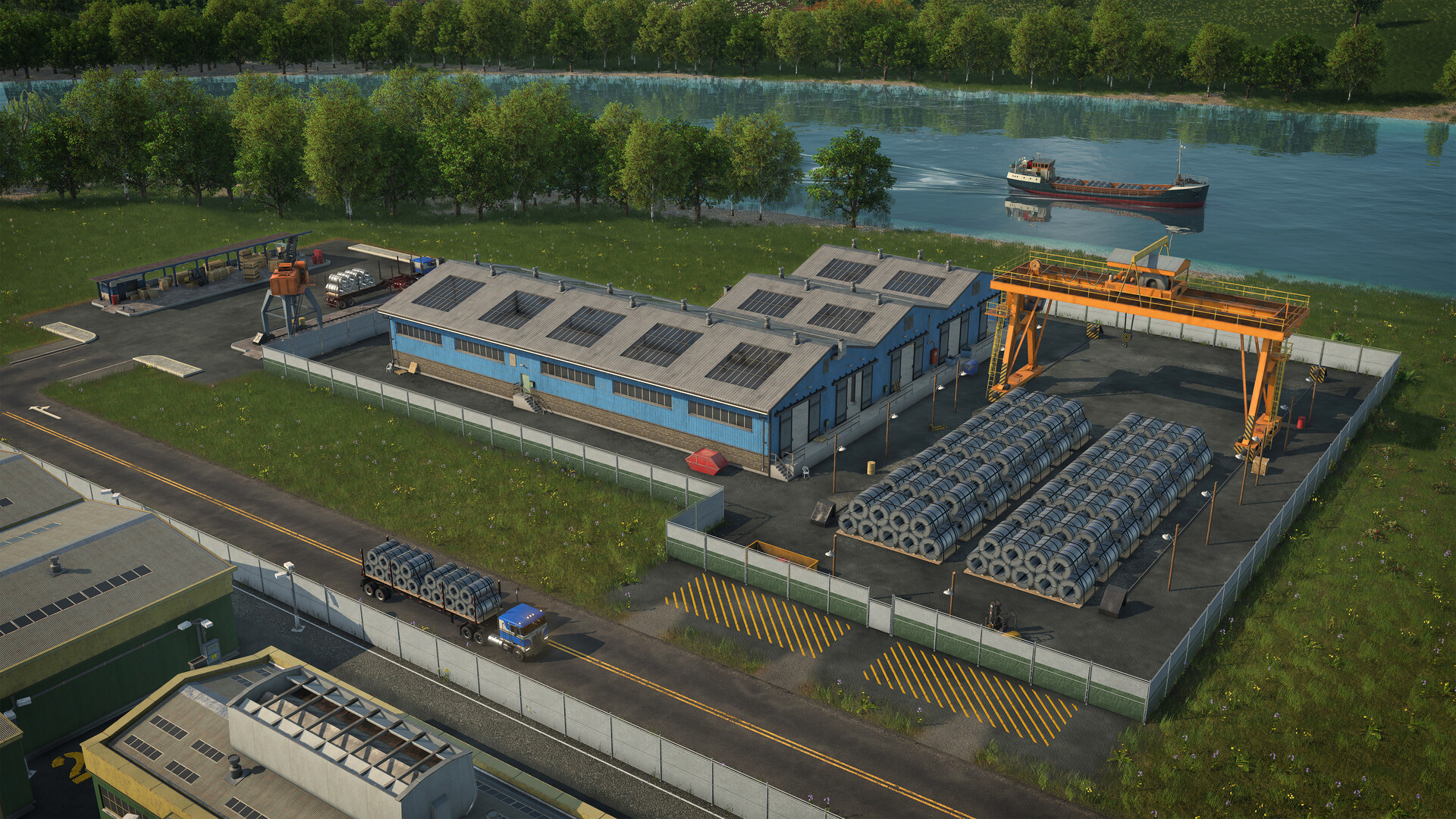
Official screenshot · Source: Steam store
| Requirement | Confirmed Detail |
|---|---|
| Install size | 90 GB |
| Storage type | SSD required |
| Recommended RAM | 16 GB |
| Platforms | Windows, Mac, Linux, PS5, Xbox Series X |
| PC storefronts | Steam, Epic Games Store, GOG |
| Release date | September 29 |
The full, officially published requirements list is available on the Transport Fever 3 Steam page, which also covers pricing, editions, and the complete feature overview.
A few things stand out immediately:
- 90 GB is a big install for the series — significantly larger than previous entries — so clear space ahead of time.
- An SSD is explicitly required, not just recommended. If you're still running the game off a spinning hard drive, expect long load times and potential stuttering as the simulation streams assets.
- 16 GB of RAM is the recommended Windows target, which makes sense given how much simulation data the game tracks per citizen, vehicle, and industry.
Why Transport Sims Push Hardware Harder Over Time
City builders and transport simulations have a unique performance profile compared to most genres. Your GPU load is fairly constant, but your CPU load scales with simulation complexity. Transport Fever 3 simulates individual inhabitants, dynamic town districts, lane-level traffic behavior with overtaking, and over 35 industries running demand-driven production.
What that means in practice:
| Game Stage | Typical Hardware Bottleneck |
|---|---|
| Early game, few lines | GPU (rendering terrain and weather) |
| Mid game, growing towns | CPU and RAM (simulation ticks increase) |
| Late game, massive network | CPU single-thread performance, storage streaming |
| Heavy mods installed | RAM and load times across the board |
Community reports from previous Transport Fever titles consistently point to the same pattern: the game runs beautifully when you start, and frame rates dip as your network sprawls across a full map. Transport Fever 3 claims improved performance over its predecessor, but the fundamental reality of large-scale simulation remains.
Recommended PC Setup for Smooth Performance
While the official spec sheet confirms RAM and storage, here's a practical breakdown based on what simulation fans generally need:
| Component | Comfortable Target | Why It Matters |
|---|---|---|
| CPU | Modern 6–8 core with strong single-thread speed | Traffic, citizens, and industry simulation |
| RAM | 16 GB (official recommendation) | Larger maps and long sessions accumulate data |
| Storage | NVMe SSD with 90+ GB free | Required; faster drives cut load times |
| GPU | Mid-range card from the last few years | Weather, dynamic lighting, day/night cycle |
| OS | 64-bit Windows | Mac and Linux builds also supported |
Practical Tips Before You Buy
- Check your free disk space now. Ninety gigabytes disappears fast if your SSD is already crowded, and installing on a nearly full SSD degrades performance.
- Close background apps for long sessions. Transport sims reward patience, and nothing kills a three-hour building session like memory pressure from a browser full of tabs.
- Don't judge by early-game performance. A trailer or first-hour impression can't tell you how the game runs when your network has 200 vehicles and a dozen growing cities. Player experience from prior entries suggests testing performance at scale before committing to settings.
Mac, Linux, and Console Performance
Transport Fever 3 launches simultaneously on Windows, Mac, and Linux, plus PlayStation 5 and Xbox Series X|S. That's good news for anyone not on a Windows machine, but a few caveats:
| Platform | Notes |
|---|---|
| Windows | Primary target; full requirements published |
| Mac | Native support; Apple Silicon generally handles sims well, but check RAM |
| Linux | Native build available via Steam, Epic, and GOG |
| PS5 / Xbox Series X | S |
Console players sidestep the specification guessing game entirely, while PC players on older Macs or Linux distributions should pay extra attention to RAM and SSD requirements since those are the confirmed baseline.
Mods, and How They Affect System Requirements
One often-overlooked factor: mods. Transport Fever 3 ships with a built-in mod hub powered by mod.io — notably, it will not use Steam Workshop, which surprises some PC players. The developers have also overhauled the modding tools and worked with creators ahead of release.
Here's what that means for your hardware:
- Vehicle and asset packs increase RAM usage and installation size beyond the base 90 GB.
- Map and gameplay mods can add simulation overhead.
- Large mod collections significantly extend load times even on fast SSDs.
If you plan to run a heavily modded save — and given the series' active modding community, many players will — treat the official requirements as a floor, not a target. Community reports from transport sim players routinely suggest keeping 30–50% RAM headroom for modded sessions.
Editions, Pricing, and Upgrade Considerations
If you're budgeting for a hardware upgrade alongside the game itself, here's the pricing picture:
| Edition | PC Price | Console Price | Includes |
|---|---|---|---|
| Standard | $49.99 | $59.99 | Base game |
| Deluxe | $64.99 | $74.99 | Extra vehicles, maps, landmarks, and more |
Two money-saving notes:
- Loyalty discount: Transport Fever 2 owners get 10% off either edition on the same platform and account, valid for 14 days after release.
- Upgrade priority: If your rig falls short, an SSD upgrade delivers the most noticeable improvement for the money in a game that requires one, followed by pushing RAM to 16 GB.
FAQ: Transport Fever 3 System Requirements
How big is the Transport Fever 3 download? The official requirements list 90 gigabytes of storage on an SSD. Plan for additional space if you intend to install mods through the built-in mod hub.
Can my PC run Transport Fever 3 with 8 GB of RAM? The recommended Windows specification is 16 GB of RAM. Eight gigabytes may handle early-game sessions, but given the game's expanding simulation of citizens, traffic, and industries, 16 GB is the safe target for anything beyond short playthroughs.
Is an SSD really required for Transport Fever 3? Yes. The published Transport Fever 3 system requirements explicitly list an SSD alongside the 90 GB install size, so a traditional hard drive isn't a supported option.
Does Transport Fever 3 have multiplayer? No — it's a single-player game at launch, with no co-op or multiplayer mode. Mods are supported across platforms through the integrated mod.io browser rather than Steam Workshop.
The bottom line: meet the confirmed specs, prioritize an SSD and 16 GB of RAM, and judge performance on a busy late-game map — not the opening hour. Once your network spans the map and the towns are thriving, you'll be glad your machine can keep up with the simulation.
Related Guides
Transport Fever 3 DLSS: Upscaling & Performance Guide
Does Transport Fever 3 support DLSS? Here's what players report about upscaling, CPU bottlenecks, and the settings that actually improve late-game FPS.
Transport Fever 3 Performance: What to Expect
Transport Fever 3 performance analyzed: CPU bottlenecks, late-game stutter, missing upscalers, and practical fixes for mid-range and high-end PCs.