Transport Fever 3 Steam Deck: Performance & Setup Guide
How well does Transport Fever 3 run on Steam Deck? Performance expectations, settings, controller support, and tips from the community.
Why Transport Fever 3 Is a Perfect Fit for Handheld Play
Transport tycoon games and handheld gaming are a match made in heaven, and Transport Fever 3 Steam Deck compatibility is one of the first questions fans have been asking since launch. The series has a long history of being surprisingly controller-friendly, and its slow-burn, pause-anytime gameplay is ideal for couch sessions or a commute. Urban development games like this reward short, focused play bursts — laying one rail line, tweaking one bus route — which suits the Deck perfectly.
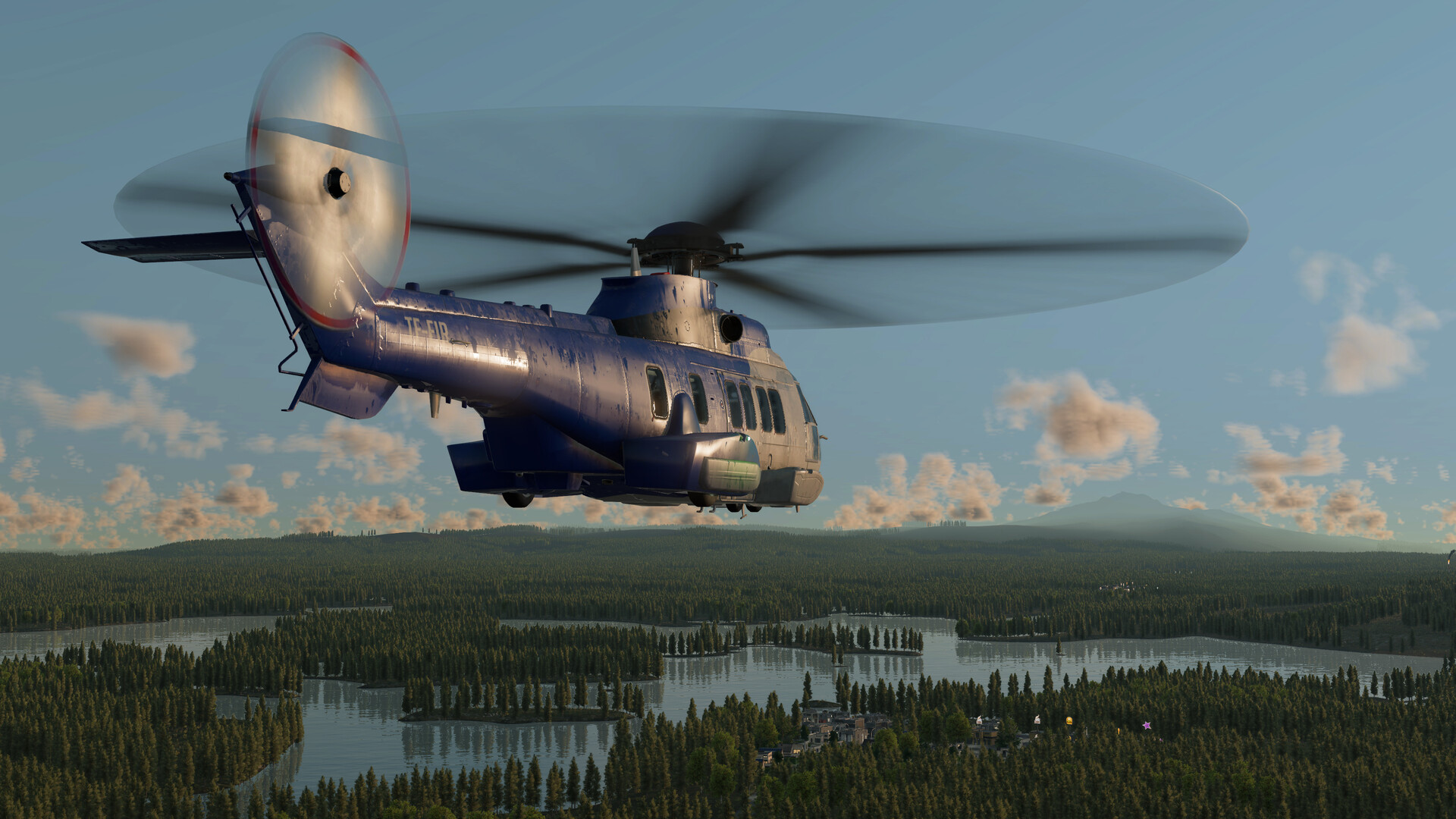
Official screenshot · Source: Steam store
The good news? Community sentiment is largely optimistic. The Steam store page describes Transport Fever 3 as the most refined entry yet, with improved performance listed among its headline upgrades, and early discussion threads suggest players expect it to follow in its predecessor's footsteps on Valve's handheld.
What the Community Is Saying About Transport Fever 3 Steam Deck Support
Player experience shared in the game's official Steam discussion forums paints a clear picture of expectations. One player, bradigorMHG, noted that Transport Fever 2 was "one of, if not THE best game in the genre to play on a controller" and asked whether the sequel would follow suit. Another respondent, DirtySanches, echoed the sentiment with a simple "+1," adding that they'd "rather stream from PC to Deck than sit at the desk to play."
That last comment highlights an important point: even before native optimizations are confirmed, Steam Remote Play gives Deck owners a reliable fallback. You run the game on a more powerful desktop and stream it to the handheld — a popular approach among simulation fans with large, complex maps.
Key takeaways from community reports
- Transport Fever 2's controller scheme set a high bar, and fans expect Transport Fever 3 to inherit that DNA
- Many players have fully migrated from desktop rigs to the Deck for this genre
- Remote Play streaming is a proven workaround while native performance is still being mapped out
Why the Series Works So Well on a Handheld
Not every strategy game translates to a small screen, but the Transport Fever formula does — and there are structural reasons why.
| Feature | Why It Suits the Steam Deck |
|---|---|
| Pause-anytime gameplay | Stop mid-route and resume later without penalty |
| Controller-first UI | The series has historically supported gamepads natively |
| Turn-of-the-century charm | Detailed world reads well on the Deck's 7–8" display |
| Adjustable difficulty | Tune the economy down for relaxed handheld sessions |
| Modest system demands | Previous entries ran well on modest hardware |
The Steam page for Transport Fever 3 lists 275+ vehicles, over 35 industries, and a full campaign spanning 125+ years of transport history. That's a lot of content for a device you can play from bed — and the game's data layers and visual diagnostics actually benefit from being able to zoom in close on the OLED screen.
Expected Performance and Recommended Settings
Based on player experience with the previous entry and the developer's stated focus on improved performance, here's how a realistic setup might look. Treat these as starting points and adjust to taste.
| Setting | Recommended Value | Notes |
|---|---|---|
| Resolution | 1280×800 (native) | Crisp on the LCD/OLED panel |
| Graphics preset | Medium | Balances fidelity and battery |
| Frame rate cap | 40 FPS | Smooth feel, better battery life |
| TDP limit | 8–10W | Keeps fan noise low |
| Battery estimate | 3–4.5 hours | Varies heavily by map size |
Why map size matters more than settings
Simulation games like this scale with simulation load, not just graphical load. A late-game map with hundreds of vehicles, dynamic districts, and individual citizen simulation will stress the CPU far more than a fresh map — regardless of your shadow quality. If you notice slowdowns on sprawling empires:
- Cap vehicle count growth by rationalizing redundant lines
- Use the data layers to cull traffic hotspots before they snowball
- Start new games on smaller, randomly generated maps for handheld play
- Save the mega-cities for desktop or streamed sessions
Best Play Styles for Deck Sessions
Transport Fever 3's flexible difficulty options make it easy to tailor the experience to handheld play.
| Play Style | Suggested Configuration | Best For |
|---|---|---|
| Campaign missions | Normal difficulty, story focus | Short, goal-driven sessions |
| Relaxed sandbox | Easy economy, low pressure | Couch, low-stress building |
| Creative mode | Economy disabled | Dioramas and stations |
| Tycoon challenge | Hard difficulty | Desktop or streamed play only |
The campaign — featuring missions inspired by real historical events like flood recovery and festival logistics — is particularly well suited to the Deck. Individual scenarios have clear objectives, so you can complete one mission per session without losing momentum.
Controller Setup Tips
Community reports suggest the predecessor's gamepad controls were genre-leading, so expect a similar philosophy here. To get the most out of it:
- Check the controller layout screen before your first session and rebind anything that feels awkward
- Use the right trackpad as a mouse fallback for precise track placement — a hybrid of stick and pad input covers edge cases
- Create a community layout if the default scheme misses anything; the Workshop-style layout sharing usually fills gaps fast
- Use the back grips for zoom and pause to keep your thumbs on the sticks
If you're playing via Steam Remote Play instead, enable the host's controller configuration so inputs pass through cleanly from the Deck to your PC.
Verdict: Should You Buy Transport Fever 3 for Steam Deck?
If player experience with Transport Fever 2 is any guide — and the community discussion strongly suggests it is — Transport Fever 3 Steam Deck play should be a genuinely pleasant experience, especially for campaign and relaxed-sandbox sessions. The developer's emphasis on performance improvements and streamlined systems works in handheld players' favor.
For now, the practical advice is simple: try native play on a small-to-medium map first, dial in a 40 FPS cap, and keep Remote Play in your back pocket for sprawling late-game empires. Verify current compatibility status on the official Steam store page before purchasing, as verified status can change with patches.
FAQ
Does Transport Fever 3 run on Steam Deck? Community reports and the developer's stated performance improvements suggest it runs well, especially on medium settings with a 40 FPS cap. Check the Steam store page for the current compatibility badge before buying.
Is Transport Fever 3 controller-friendly on the Deck? Player experience strongly indicates yes. Transport Fever 2 was widely praised as one of the best controller-supported games in the tycoon genre, and the sequel builds on the same refined systems and tools.
What's the best way to play huge maps on the Steam Deck? Late-game maps with heavy simulation load can strain handheld hardware. Community players commonly stream from a desktop PC via Steam Remote Play for massive empires, reserving the Deck for new maps and campaign scenarios.
How's the battery life for Transport Fever 3 on Deck? Estimates based on similar titles suggest roughly 3–4.5 hours on a cap of 40 FPS with a TDP limit around 8–10W, though large, busy maps will drain the battery faster than early-game sessions.
Related Guides
Transport Fever 3 GeForce Now: Availability Status
Is Transport Fever 3 coming to GeForce Now? Latest developer statements, community demand, and what cloud players should do while waiting.
Transport Fever 3 Linux: Day-One Release, Specs & Editions
Transport Fever 3 launched on Linux at release. Here's what PC players need to know: system requirements, editions, pricing, and key new features.
Transport Fever 3 Mac: Compatibility, Requirements & Setup
Is Transport Fever 3 playable on Mac? Here's what Mac users need to know about native support, system requirements, pricing, and performance tips.
Transport Fever 3 Offline: Play Anywhere, No Internet
Learn how to play Transport Fever 3 offline with DRM-free installs, local saves, and offline setup tips — plus logistics strategies for tycoons.